2022 – 2023
Electronic ARTrium
Designing a walk-through exhibit where your body is the controller.
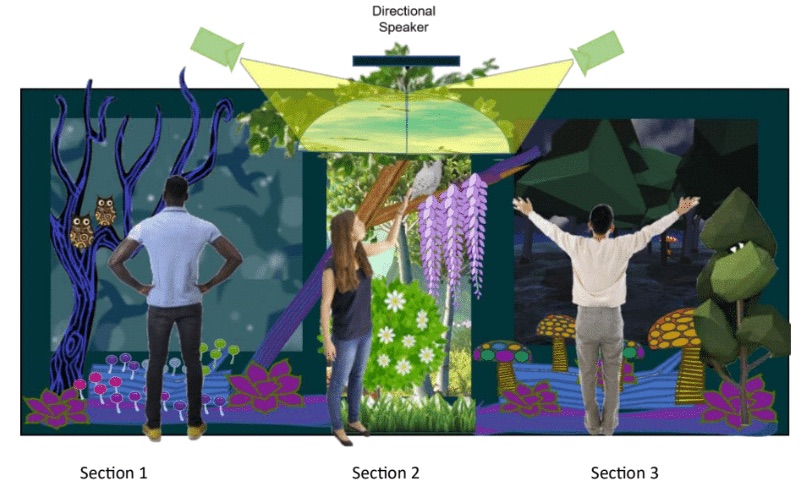
Electronic ARTrium reads a visitor’s body positions to create real-time projections, mechatronic creatures, light and sound responses. I joined as a member of the projection design team and left as Exhibit Design Lead, writing the design proposals for the group’s second exhibit and translating the chosen direction into specs every subteam could build from.
The challenge
Make it new, and make it safe to stay.
“Raise Your Hand” showed us visitors would happily explore a room that responds to their bodies. Children stayed longest of anyone; one mother and son stayed over an hour. For the next exhibit, we wanted to try new kinds of interaction. So every idea had to pass a privacy test first: could a kid play for an hour without the exhibit capturing anything about them?
It also had to be forgiving, for kids and older adults alike, and never punish a wrong move.
So the work had two halves that had to meet in the middle. Every section had to teach itself, recover from mistakes and hand visitors off to the next one, across every subteam, each of which owned one piece. And pose data from the cameras had to reach projections, mechatronics and sound fast enough to feel like cause and effect, on lab hardware, for hours at a time.

What did I work on?
- 01 · Spring 2023
Making it a story worth following
As Exhibit Design Lead, I wrote the story and interaction design for a four-section exhibit, which the team built from that design.
- 02 · Fall 2022
Making it survive two weeks in public
I led the visual team through “Raise Your Hand,” an exhibit at the Ferst Center for the Arts.
- 03 · Spring 2022
Making the room respond at all
I wrote the UDP receiver that first connected pose tracking to our Unity projections.
Spring 2023
Giving visitors a reason to move through it.
“Raise Your Hand” earned the VIP funding to grow from about 15 students to more than 30. Visitors also told us what they wanted next: a story. As Exhibit Design Lead, I wrote the proposals the team decided between and translated the chosen design across motion tracking, networking, projection mapping, mechatronics and sound. I also wrote the first section myself and owned the branding.
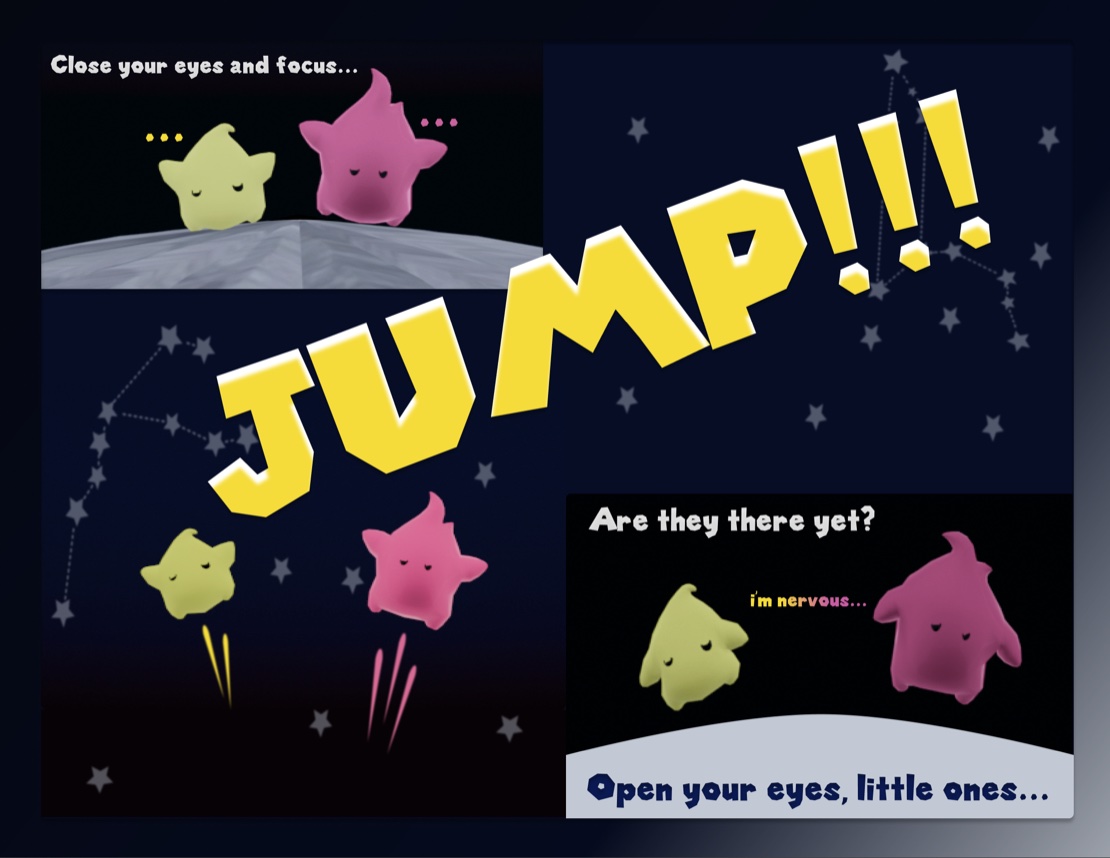
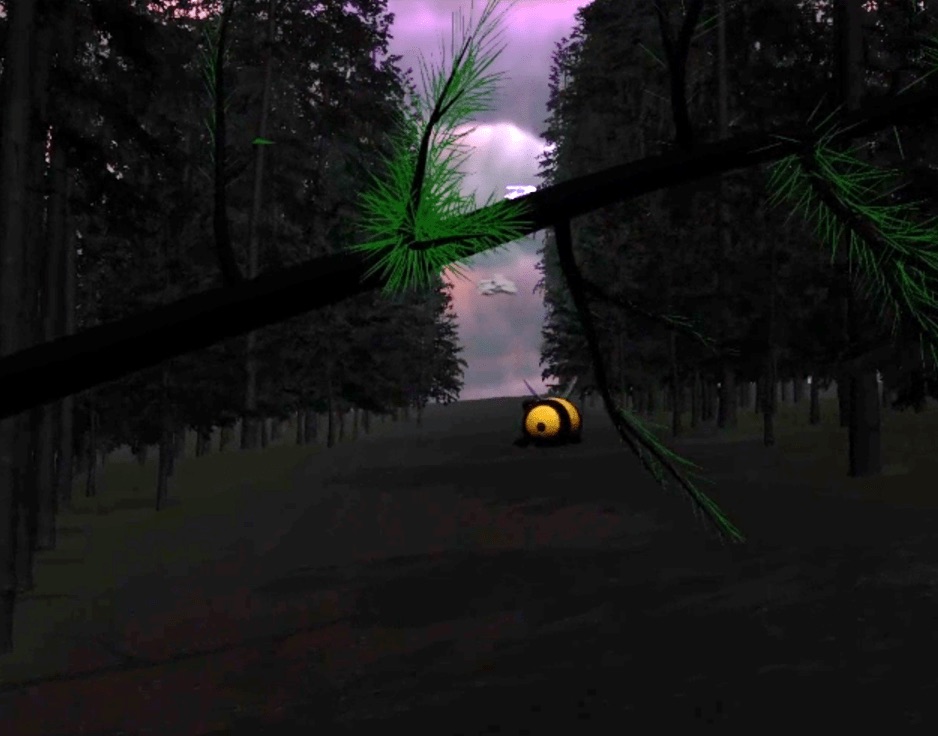
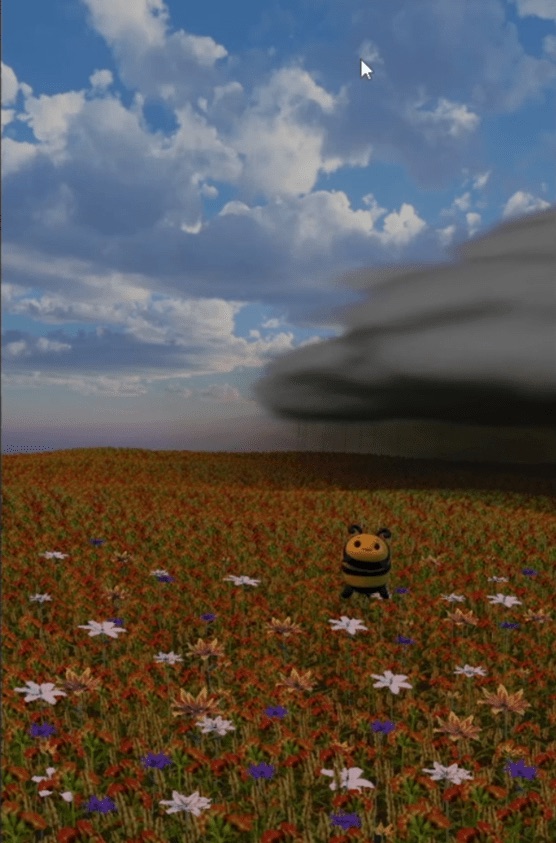
We built the exhibit around Mr. Bee, who gets knocked off course by a storm and needs your help to get home. Each section is a short game played with your body, and each one hands you a digit of the code to the hive.
- 01
The storm
Lean your body to steer Mr. Bee through storm clouds and lightning, guided by Snowy the Owl, a mechatronic reused from the last exhibit.
- 02
The flower field
A game of Simon Says with mechatronic blooming flowers, narrated by a caterpillar.
- 03
The mushroom maze
Strike the pose shown in a glowing keyhole to fly through, coached by Sandy the Snake.
- 04
The hive
Point at glowing honeycomb cells to enter the three-digit code. The honeycomb splits open to reveal Mr. Bee, home with his family.
From the page to the build
On the left, my storyboard and first sketch from spring 2023. On the right, the same moments as the team built them in 2025. The fairy became Mr. Bee and the vault became a hive, but the games stayed.




Designing for strangers
Designing for strangers, not testers.
The script was a production document for every subteam, not just dialogue. Each section had to spell out cues and responses for sound, mechatronics, Unity and sensing, and hold up for visitors who had never used interactive tech, including older adults.
Instruction, demonstration, practice, then play.
A tutorial shows the motion and has you do it before the game counts.
Every action gets an immediate, distinct response.
In light, motion and sound, so cause and effect is obvious.
Sections sleep and wake.
A section stays dim and quiet until someone arrives, so it feels like the world is waking up for you.
User flows
I designed the user flows and interaction logic for the whole exhibit, turning movement and the shape of the space into a structured experience: a venue map (above, beside a visitor walking it), and a state diagram for what the system does when people behave like people. Drop-off, re-entry and timeouts are defined for every section, so a game someone walks away from resets cleanly for the next person.

Decisions
Three forks, and what each one cost.
We weighed concepts with mind maps, morphological charts and Pugh charts. The charts laid out the options for every part of the visit, and three forks shaped the exhibit most.
Carry progress on a printed ticket, instead of facial tracking.
Facial tracking was the impressive option: cameras could recognize each visitor at every section and remember how far they’d got, with nothing to carry. I argued against it, on cost as well as risk. It meant capturing the faces of children who came to play, and running recognition at every station on a budget of about $10,000. A printed QR ticket carries a visitor’s progress instead, makes starting each game a deliberate act, and counts plays without capturing anything about anyone. What it cost: one more step at every section, and a printer to keep running.
Retry the obstacle, instead of losing and starting over.
Losing would have given each game stakes. But at an exhibit, a loss means starting over in front of a line, and we wanted everyone to reach the hive. So you retry until you get it, with hints that grow: the caterpillar reveals the answer after a few misses, and Mr. Bee traces the right number. What it cost: visitors who wanted a real challenge don’t get one.
Let people through out of order, instead of blocking them.
The story runs storm, field, maze, hive, and each section hands you a digit of the code, so blocking out-of-order visits would have protected the plot. But a crowded exhibit doesn’t move in order, and a blocked family is a stuck family. So the exhibit lets them through, and supports partial visits: they can leave and pick up later. What it cost: some visitors meet the story out of sequence.


About $10,000
We benchmarked against interactive rides like Toy Story Mania, which cost upward of $140 million each. Our budget was about $10,000, which pushed us to reuse the mechatronics we already had, like the owl and the blooming flower, wherever the story allowed.
Brand and web
I designed the Electronic ARTrium logo, with color and typography guidelines that put the whole VIP under one identity. In parallel, the Web subteam moved the project off an outdated Wix site to a Georgia Tech-hosted WordPress site, with pages for each audience: people who want implementation details, people who want an overview, and people looking for workshops.


Before that · 2022
Shipping “Raise Your Hand.”
I joined in spring 2022 as the newest person on the team, and the least familiar with the technology. I wrote the bridge from camera to projection: a UDP receiver in C# that carried pose data into our Unity scenes.
That fall, as Team Lead of a five-person VAD team, the goal was a fully working exhibit at Georgia Tech’s Ferst Center for the Arts, open November 1 to 14, 2022, for students, faculty, focus groups and families. We built three projected scenes, each one answering the visitor’s body.
Measuring a raised hand. “Hand height” is measured against your own body: how far your higher wrist is above your sternum, divided by the distance from your sternum to your hips. A child and an adult get the same range, from a hand at your hip to a hand about a torso’s length above your chest.
 01
An abstract forest
Dark, with floral sprites that grow larger, brighter and more frequent as you raise your hand.
 02
An ant’s-eye forest
Realistic, split across a wall and an umbrella dome overhead, with bird flocks and wind that react to how high your hand is.
 03
A moonlit forest
Low-poly, with mushrooms that spin and glow with your hand, and a camera that slides through the trees as you tilt your head, like driving past a forest at night.


The pipeline
Camera, to a MediaPipe pose program in Python, to JSON over UDP, to a receiver inside Unity, then through Spout to MadMapper for projection mapping, and out to the projectors. The same numbers went to the sound team’s Max patch, so sound answered the same gesture. I rewrote the receiver to listen on its own thread, so any object in a scene could read the latest pose values, behind a lock so that simultaneous reads couldn’t crash the scene.

The room
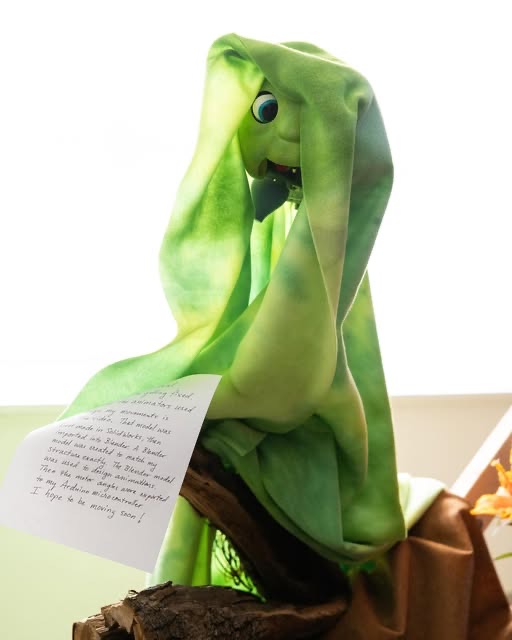
Beyond software, I led much of the physical build that made the space believable. I hand-sewed the light-blocking curtains and other fabric pieces. The team also built a low-poly tree in styrofoam and wood to house the “Lovely Worm” capstone mechatronic, fabric caps for the mechatronic mushrooms to match their on-screen twins, and wall and ceiling coverings to hide the framework and cameras.


| Problem | The fix |
|---|---|
| Earlier receiver demos had stopped working, and reading pose data from two places at once crashed scenes | I rewrote the receiver from scratch, with shared values behind a thread lock |
| Head-tracked camera motion in the third scene was jerky | Smoothed the input with a moving average |
| Very little fabric for each piece, on a school budget | Planned every cut before making it. One mushroom cap used about 95% of its fabric |
Leading it
I orchestrated the moving parts across software, projection, fabrication and installation. That meant keeping five people on one project structure so work could be found and handed off, staying in step with Dr. Weitnauer’s vision for each scene, and pulling in Sensor Processing when networking broke.
All three scenes ran in the installation, with every physical piece in place. Our own retrospective was honest about what we’d do differently: stress-test the projections over multi-day runs, and bring in LIDAR intrusion detection earlier.
Outcome
What happened next?
The moment that mattered most to me: a mother and son who stayed for over an hour, testing gestures, movement and cause and effect on their own terms.
“Raise Your Hand” ran for two weeks
At the Ferst Center in November 2022, with all three projected scenes live.
Mr. Bee became the exhibit
After I left, the team built it from my design and opened it in early 2025. Its public posts show the four sections as scripted: ticket stations, Snowy the Owl, Cappy the Caterpillar, Sandy the Snake, the pose-matching forest and the numbered honeycomb.
What the team added
Paintings by elementary school children became textures for the creatures in the 3D scenes, and the team drew its own layout for each section.
The identity carried forward
The logo I designed is still the project’s identity on its Instagram and website.


The team’s own layouts for the four sections, 2025: the storm, the flower field, the mushroom maze and the hive
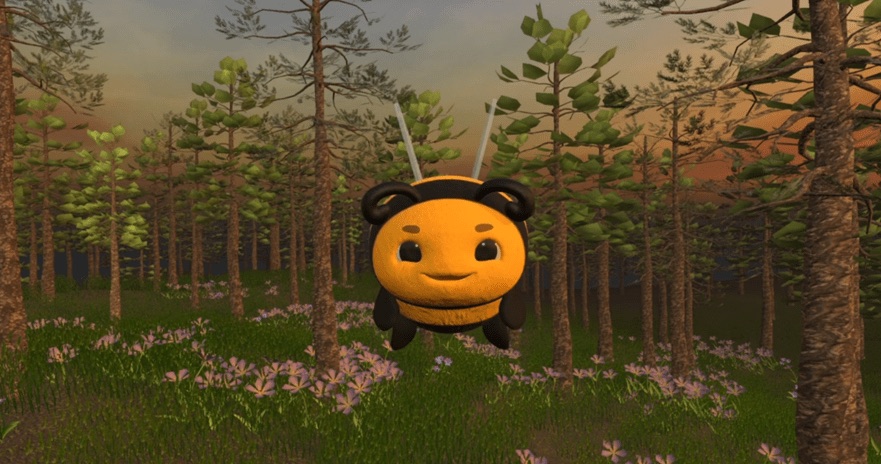

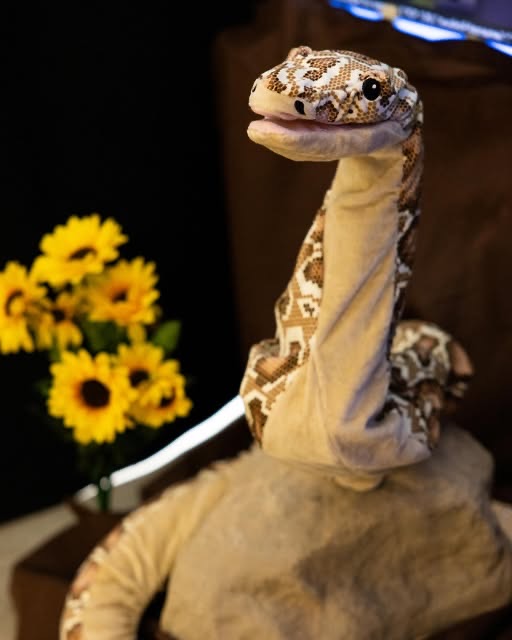
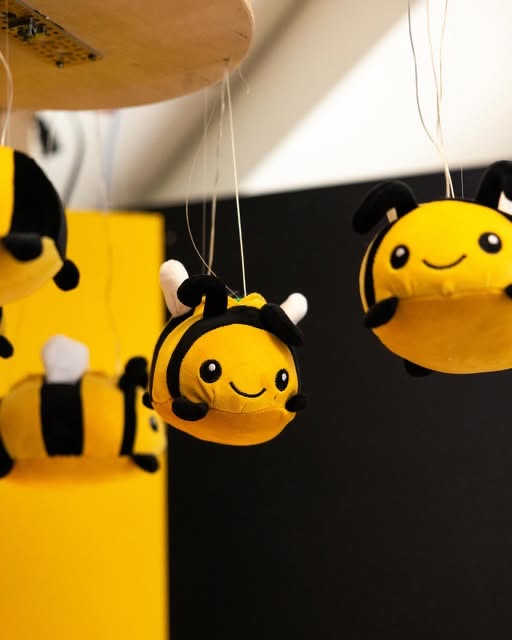
Photos of the exhibits, the scene stills, the networking diagram, and the 2025 layouts, screens, photos and videos are the Electronic ARTrium team’s, from the project’s site ↗ and its posts. The clip of the mother and son is mine.
Learnings
What did I learn?
- 01
Interaction design for a physical space is systems design.
The hardest part of the mushroom maze wasn’t the visuals. It was syncing sensing, sound, mechatronics and Unity, so the snake speaks before you move and the mushrooms answer when you do.
- 02
Privacy is a design decision you have to argue for.
The impressive option and the safe option weren’t the same. Making the case early, on cost as well as risk, is what moved the exhibit to tickets.
- 03
Forgiveness is a feature.
Replacing failure states with retries and hints cost almost no code, and changed who could finish the exhibit.
- 04
Documentation is how a student team survives turnover.
Every semester started by recovering work that no longer ran. A shared structure and handoff docs mattered as much as anything we built.
This is where it started for me.
Designing environments that are safe to explore, where curiosity and play are the point.